

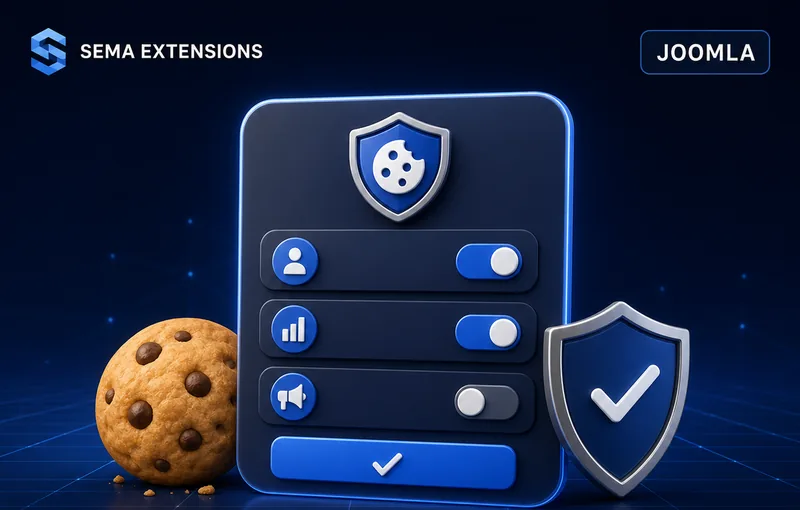
GDPR Cookie Consent Banner
Full compliance with GDPR and Google Consent Mode v2 — without template modifications
A single-installation cookie consent solution for Joomla 4–6. Granular consent categories, synchronous Google Consent Mode v2 defaults, database-backed audit trail and a statistics dashboard — all in one lightweight plugin with zero JavaScript dependencies.
Why You Need This
GDPR and the ePrivacy Directive require informed consent before any non-essential cookies are set. Since March 2024, Google also requires Consent Mode v2 signals for GA4, Google Ads and GTM to continue collecting conversion data and enabling remarketing audiences.
What GDPR and Google require
- Informed consent before third-party cookies load
- One-click rejection option (per EDPB guidelines)
- Granular category selection (essential / statistical / marketing)
- Auditable consent records
- Google Consent Mode v2 defaults before gtag.js / GTM
Risks without a solution
- Regulatory fines up to €20 million (4 % of annual revenue)
- Loss of Google Ads conversion data
- Skewed GA4 statistics
- Legal exposure from user complaints
What Sema Cookie Consent Solves
Install one ZIP file. Enable the plugin. Done. No template modifications, no coding.
GDPR Compliance
- Automatic banner on every front-end page
- Three consent categories: essential, statistical, marketing
- Accept All / Reject All / Settings buttons per EDPB guidelines
- Database logging of every consent decision
- Full audit trail for regulatory inspections
- Automatic deletion of rejected cookies
Google Consent Mode v2
- Synchronous consent defaults in
<head>before any tracking script - All GCM v2 signals: analytics_storage, ad_storage, ad_user_data, ad_personalization
- Immediate consent update via
gtag('consent','update') - Optional regional targeting by country
Beyond the minimum
- Admin dashboard with 30-day consent statistics
- Filterable consent log with full-text search
- CSV export for audits
- IP anonymisation (IPv4 last octet / IPv6 80-bit)
- Rate limiting protection
- 5 customisable colour variables
- Reopen button for consent changes
- Page exclusion by menu item
How It Works
For the visitor
Banner appears
On the first visit a consent banner slides in. The visitor sees a clear description and three buttons: Accept All, Reject All, Settings.
Choice is made
The visitor accepts all, rejects all, or opens Settings to toggle statistical and marketing categories individually.
Consent applied
The choice is saved immediately. Rejected cookies are deleted. Google Consent Mode is updated. The banner does not reappear until the consent expires.
For the website owner
- Statistics dashboard — The Joomla administration shows a statistics table and a 30-day consent chart.
- Filterable consent log — Every record carries a timestamp, IP address, user agent and the selected categories.
- CSV export — The complete consent log for audits and regulatory inspections.
- Texts and colours without code — All banner texts and colours are plugin parameters; the template stays untouched.
Configuration
| Setting | Description |
|---|---|
| Banner position | Top or bottom of the page |
| Cookie policy URL | Link to your privacy / cookie policy page |
| Consent expiry | 1–730 days (default 365) |
| Reopen button | Floating bar allowing visitors to change consent later |
| All text fields | Headings, descriptions, button labels, category names |
| 5 colours | Background, text, heading, accent, active toggle |
| Categories | Statistical and marketing (toggleable) |
| Cookie deletion list | Custom list of cookies to remove on rejection |
| Google Consent Mode | Enable/disable, wait_for_update timeout, regional limits |
| Consent logging | Enable/disable database recording |
| Rate limit | 0–60 seconds protection against abuse |
| IP anonymisation | IPv4 (last octet) / IPv6 (80-bit) masking options |
| Excluded pages | Menu item IDs where the banner should not appear |
Technical Specifications
| Parameter | Value |
|---|---|
| Extension type | Joomla Package (system plugin + admin component) |
| Compatibility | Joomla 4.x / 5.x / 6.x, PHP 8.1+ |
| JavaScript | Vanilla JS, no dependencies (0 kB frameworks) |
| CSS | Isolated styles with scc- prefix, CSS custom properties |
| Injection | Direct str_replace into HTML — no template overrides |
| Localisation | Czech, English |
| Installation | Single ZIP via Joomla Extension Installer |
| Updates | Fully automatic via Joomla Updater |
| Data migration | Automatic from older versions |
| Security | CSRF tokens, rate limiting, prepared statements, UUID v4 validation |
| Licence | GPL v2+ |
Frequently Asked Questions
Do I need to edit my template?
No. The plugin injects itself automatically into every front-end page without any template modifications.
Do I need Google Consent Mode?
If you use Google Analytics, Google Ads or Google Tag Manager, yes. Consent Mode v2 is required since March 2024 for conversion modelling and remarketing audiences. Without it, your data will be incomplete.
How does the Consent Mode integration work technically?
A small script (consent-mode.js) is injected synchronously in the <head> section before any tracking scripts. It sets all GCM v2 signals to “denied” by default. After the visitor makes a choice, the plugin calls gtag('consent','update') with the appropriate values.
What happens when a visitor rejects cookies?
The plugin automatically deletes cookies from the configured list (Google Analytics, Google Ads, Facebook etc.) and sends a GCM deny update. No non-essential cookies remain.
How do I prove consent during a regulatory inspection?
Every consent decision is logged to the database with a UUID, IP address, user agent, selected categories and a timestamp. You can filter and export the log as CSV at any time.
Can I customise the banner appearance?
Yes. Five colour pickers and all text fields are overridable in the plugin settings. No CSS or code changes required.
Does it work without any tracking scripts?
Yes. With both statistical and marketing categories disabled, the banner displays a message that only essential cookies are used. Useful for informational websites.
Does it require jQuery?
No. The entire plugin is written in vanilla JavaScript with zero third-party library dependencies.
What happens after the one-year licence expires?
The extension continues to work indefinitely without any restrictions. You simply stop receiving updates and e-mail support. You can renew at any time to resume updates.
Is it compatible with Sema Track (server-side tracking)?
Yes, fully. Sema Track reads the consent state from localStorage and bridges it to the server-side PHP layer. The two plugins are designed to work together.
How it works in practice


