
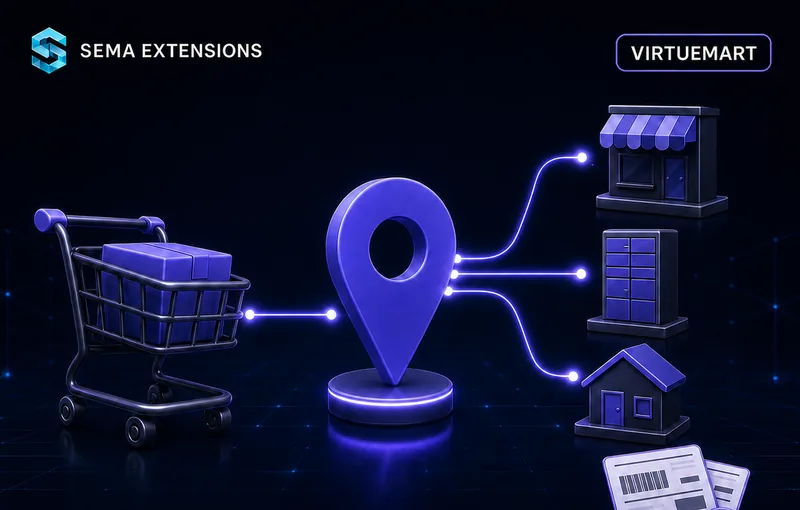
Why You Need It
Shipping is the last step where an order can still be lost. If the customer cannot pick a specific pickup point, they leave — and if shipments are then retyped by hand into the carrier portal, you pay for it in time and mistakes.
What customers expect in the cart
- Picking a specific pickup point on a map, not just a carrier name
- ParcelBoxes alongside regular pickup points
- The option to have the parcel delivered straight to their address
- Cash on delivery when they do not want to pay upfront
- A chosen point that does not disappear when the payment changes
Why avoid manual handling?
- Retyping addresses from orders into the carrier portal
- Typos in the data that only surface at the driver
- Watching cash-on-delivery amounts and variable symbols by hand
- Labels printed from a different system than the shop
- Shipments that never ship and stay open at PPL
What SemaShipping PPL Solves
You install one ZIP, fill in the Client ID and Client Secret for the CPL API and create a shipping method in VirtueMart. Done. No extra component, no programming.
Pickup points and delivery
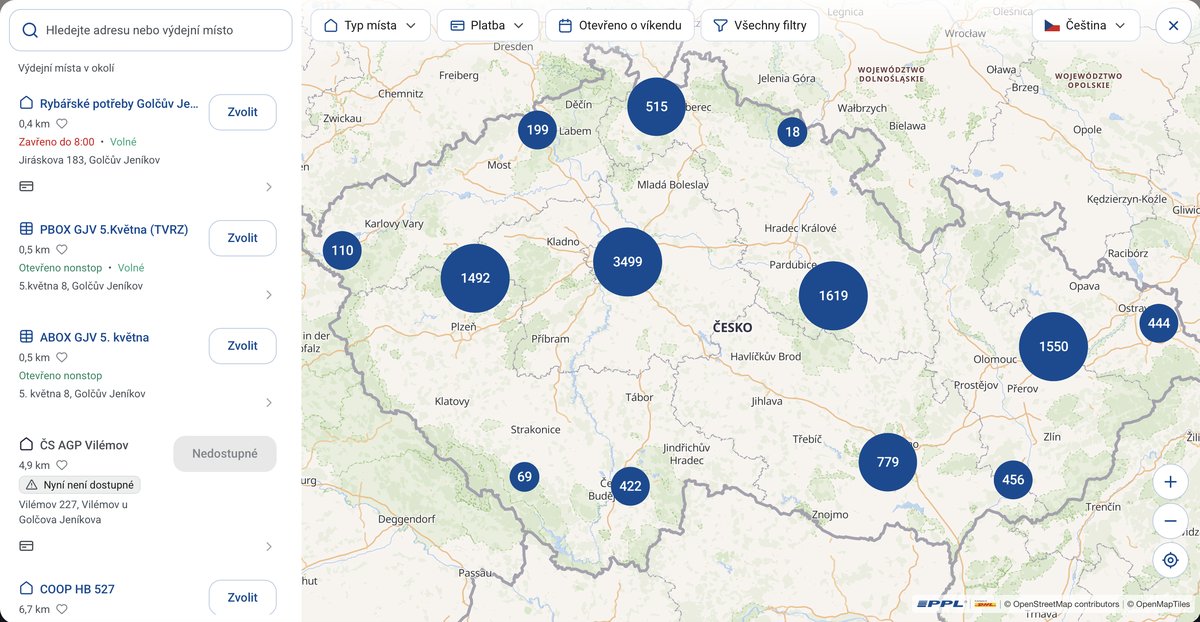
- PPL map widget 2.0 — an interactive map for picking a pickup point right in the cart
- Pickup points and ParcelBoxes — the widget can show both, or just one of them
- Home delivery — a separate shipping method without the map, address taken from the order
- COD-capable points only — for cash-on-delivery orders you can offer only points that accept it
- The selection survives the cart — the chosen point is kept across payment changes and cart recalculations
Order fulfilment
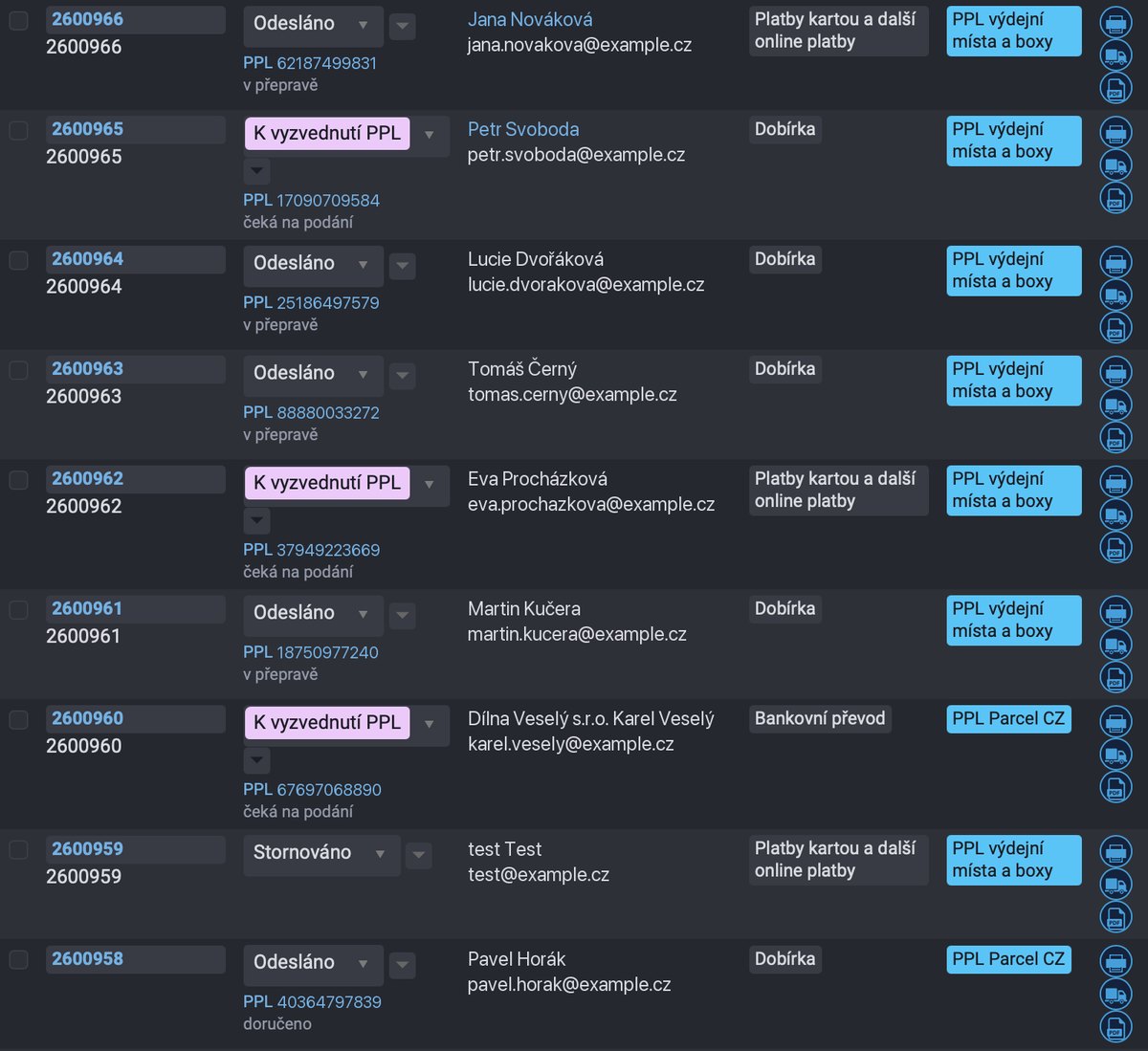
- Shipment export — create the shipment at PPL with one click from the order detail
- Bulk export — tick the orders in the list and send them as a single batch
- Label printing — PDF, ZPL, PNG, JPEG and SVG; merged A4 sheet with four label positions
- Printing onto a used sheet — before a bulk print you pick the starting slot on a picture of the sheet
- Automatic cash on delivery — the plugin switches the product code to its COD variant and fills in the amount, currency and variable symbol
- Shipment cancellation — one by one or in bulk; PPL requires cancelling shipments that are never handed over
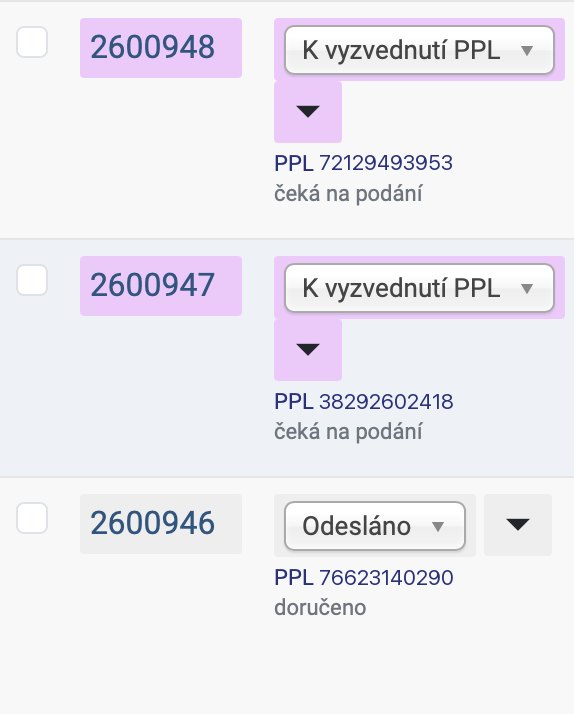
- Pending shipment list — everything created at PPL and waiting for the driver, with shipment numbers shown right in the order list
- State check — the plugin asks PPL for the actual state of pending shipments and stores it
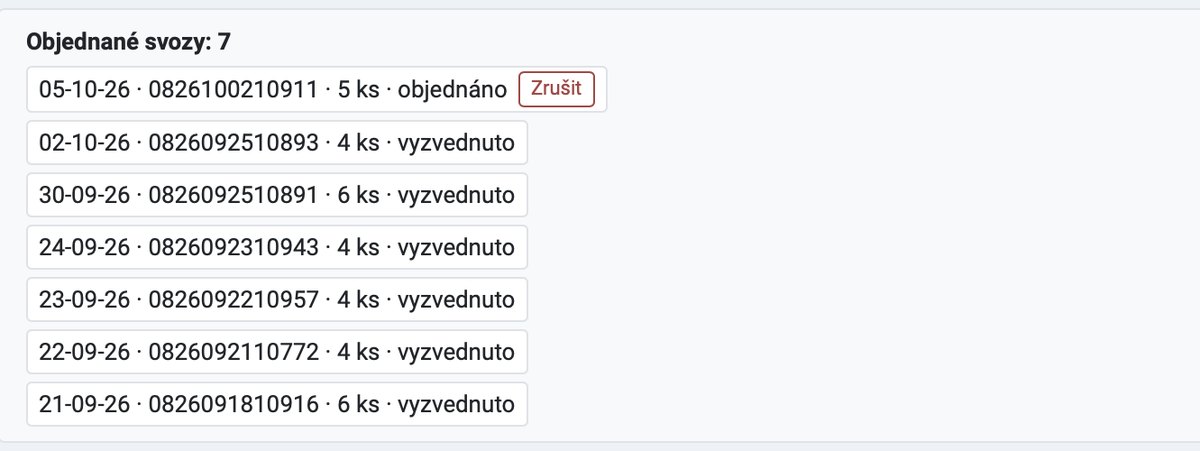
- Pickup orders — date, parcel count, time window and a note for the driver; ordered pickups can be cancelled
- Shipments at PPL — everything PPL holds on your customer account for a chosen period, including carriage prices and the weight measured at the depot; shipments not created in the shop are flagged
- Printing the overview — the list prints in landscape with the totals for the period, without the administration around it
- Order number on the label — sent as an external number, printed by PPL and passed on to invoicing
Setup and operation
- Sender from VirtueMart — the address comes from the vendor and can be overridden in the configuration
- Shipping cost — base cost, package fee, tax rate, free shipping above a threshold
- Method limits — countries, blocked countries, minimum and maximum weight
- Multiple shipping methods — one plugin serves pickup points and home delivery side by side
- API call log — audit trail of requests and responses with credentials masked
- Multilingual — Czech, Slovak and English included
- Automatic updates — via SemaHub, straight from the Joomla admin
How It Works
For the customer
Chooses PPL
In the cart they pick PPL among the shipping methods — either to a pickup point or straight to their address.
Picks a pickup point
The PPL widget 2.0 map opens. The customer finds a pickup point or a ParcelBox, confirms it — and sees it right next to the shipping method.
Completes the order
The chosen point is stored with the order and survives a payment change or a cart update. There is nothing to pick twice.
For the shop operator
- One setup — the Client ID and Client Secret for the CPL API are entered once in the plugin configuration, together with the map key.
- Export with one click — create the shipment at PPL from the order detail, or in bulk from the order list.
- Label ready to print — PDF on an A4 sheet or one per page, ZPL for thermal printers — without logging into the PPL portal. A partially used sheet can be printed from the slot you choose.
- Clean-up after cancelled orders — a shipment that will not ship is cancelled with one click, any time before you hand the parcel over.
- Overview and pickup in one place — you see what is waiting for the driver and order the pickup straight from the shop administration — shipments created through the API are not shown in the PPL portal.
- Carriage costs in plain sight — every shipment shows what PPL charges for it and the list totals it for the period — ready to compare against what you collected from customers. The list can be printed.
- Audit trail — every API call is logged together with the response, credentials masked.
Configuration
| Parameter | Description |
|---|---|
| API environment | Production or test CPL API |
| Client ID and Client Secret | CPL API credentials (OAuth2), kept on the server |
| Map API key | Widget 2.0 key, bound to the shop domain |
| Sender address | From the VirtueMart vendor, overridable field by field |
| COD payment IDs | Payment method IDs that are cash on delivery |
| Delivery type | Pickup point (with map) or home delivery |
| PPL product code | The code from your contract, separately for normal and COD shipments |
| Point types on the map | All / pickup points only / ParcelBoxes only, optionally COD-capable points only |
| Label format | PDF, ZPL, PNG, JPEG, SVG; A4 sheet or a single label, position 1–4 (bulk printing asks for it every time) |
| Shipping cost | Base cost + package fee, free shipping above a threshold |
| Method limits | Countries, blocked countries, minimum and maximum weight |
| Status for bulk export | Which order status fills the export queue |
Technical Specifications
| Property | Value |
|---|---|
| Extension type | VirtueMart shipment plugin |
| Element | semappl |
| Joomla | 4.x, 5.x |
| VirtueMart | 4.x |
| PHP | 8.0+ |
| PPL API | CPL API (myAPI2), REST JSON, OAuth2 |
| Widget | PPL map widget 2.0 |
| Languages | Czech, Slovak, English |
| License | GPL v2+ |
| Automatic updates | Yes (via SemaHub) |
Frequently Asked Questions
Do I need a contract with PPL?
Yes. The plugin connects to the CPL API under your customer number — you need the Client ID and Client Secret issued by PPL.
Is the map key the same as the Client ID?
No. The map widget has its own key from the PPL client section and it is bound to your shop domain. The CPL API has no API key at all, it authenticates via OAuth2.
How does the plugin detect cash on delivery?
You list the COD payment method IDs in the configuration. The plugin then switches the product code to its COD variant (for example SMAR to SMAD) and fills in the amount, currency and variable symbol.
Can I offer pickup points and home delivery at the same time?
Yes. Create two shipping methods — one of the “pickup point” type with the map, another of the “home delivery” type with the matching product code.
Why is the shipment number missing right after the export?
The CPL API processes shipments in asynchronous batches. The plugin waits for the result itself; when PPL needs more time, the order stays in the “processing” state and the Refresh status button fills the number in.
What if PPL rejects the shipment?
The API error is shown directly in the admin. A rejected shipment never exists at PPL, the order returns to the not-exported queue and you can export it again after fixing the data. In a bulk batch the plugin drops the faulty shipments and sends the rest.
Do I have to cancel a shipment that will not ship?
Yes, PPL requires it — otherwise the shipment stays on their books as waiting to be handed over. Cancel it with one click from the order or in bulk, any time before you physically hand the parcel to the driver.
Is the order number printed on the label?
Yes. It is sent as an external number with the CUST code; PPL prints it on the label and passes it on to invoicing.
Can I print to a thermal printer?
Yes. Besides PDF the plugin produces ZPL, PNG, JPEG and SVG. For PDF you choose between an A4 sheet with four labels and a single label per page. With the A4 sheet the plugin asks which slot to start from before a bulk print, so you can reuse a sheet you have already peeled labels off.
Can the plugin handle many orders at once?
Yes. In the order list you tick what should go to PPL and the plugin sends it as one batch — including bulk label download and bulk cancellation.
Where do I see the shipments and how do I order a pickup?
In the shop administration. Shipments created through the PPL API are not shown in the klient.ppl.cz portal — PPL confirmed this in August 2026. The plugin therefore shows shipment numbers and their state right on the orders, lists everything waiting to be handed over to the driver, asks PPL for current states and orders a pickup including the parcel count and a note for the driver.
Can I see what the carriage cost me?
Yes. The Shipments at PPL overview shows PPL’s own price for every shipment — transport, road toll, fuel surcharge and the cash-on-delivery fee — and totals it for the chosen period below the list. You also see the weight measured at the depot. PPL fills the prices in with a delay, so a fresh shipment usually has none yet.
Are export records deleted on uninstall?
No. The #__sema_ppl_log table is kept with its data — it is the audit trail of what was sent to PPL.
Do SemaShipping PPL and SemaShipping Packeta clash on one site?
No. Both extensions run side by side, keep their admin controls separate and are operated the same way.
PPL® is a registered trademark of PPL CZ s.r.o., a DHL Group company. This product is an independent extension and is not affiliated with, or endorsed by, PPL CZ s.r.o. or DHL Group.
How it works in practice