
Google Merchant Feed
A product feed from VirtueMart — generated on its own, and built to be accepted
Prices to the cent. Variants done properly. No manual export.
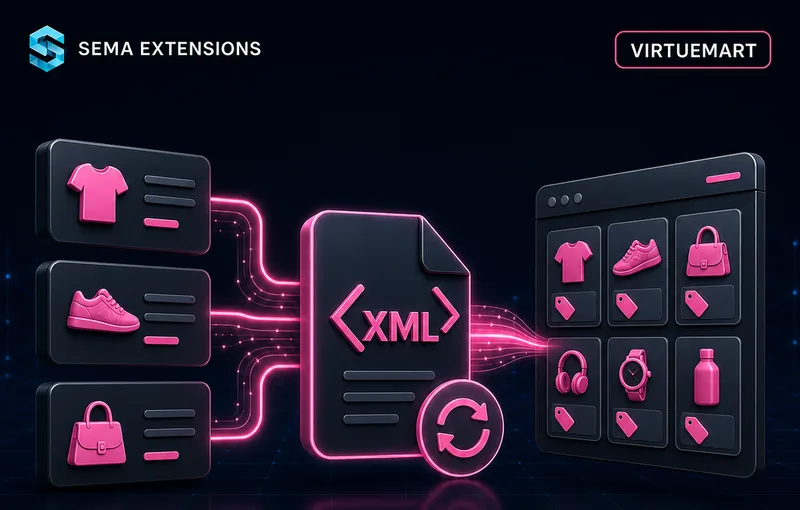
Exporting products to Google Merchant Center by hand is work that comes back every time a price or a stock level changes. SemaFeed does it for you — and, more to the point, does it so the feed is accepted: prices are calculated through VirtueMart’s own API, variants are sent individually, and generation does not break down even on shared hosting.
Why You Need It
Google does not simply accept a feed. The most common reason an item gets disapproved is a price mismatch between the feed and the basket — and that happens every time a price is assembled from discounts, tax rules and shopper groups but copied into the feed by hand.
What the feed has to get right
- A price that matches what the visitor sees in the basket
- Variants as separate items tied together by one
g:item_group_id - Shop categories mapped onto the Google taxonomy
- Every required attribute present, with no duplicate IDs
- A feed at a stable address, current after every price and stock change
What a manual export costs
- The same work again after every price or stock change
- Items disapproved over a price mismatch
- A feed cut off halfway when generation hits the time limit
- No overview of which products dropped out, or why
What SemaFeed Solves
Install one ZIP, create a feed profile and map your categories onto the Google taxonomy. Done. From then on the feed is generated on the schedule you set.
A feed that gets accepted
- Prices match to the cent — calculated through VirtueMart’s own API, so discounts, tax rules and shopper groups agree with the basket
- The final price, not the base one — the feed carries the price the customer actually pays, even where the operator set it by hand above the base price
- Variants done properly — colours and sizes are sent individually and tied together by
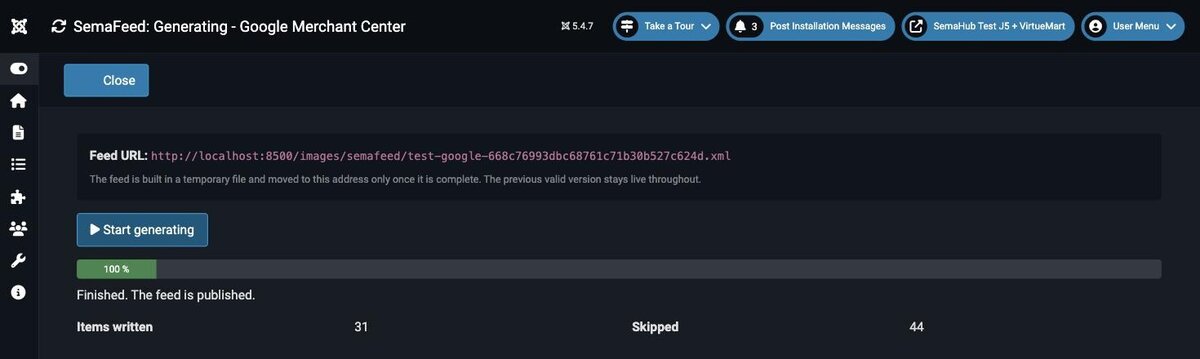
g:item_group_id, images and categories inherited from the parent - The feed never goes live half-written — it is built in a temporary file and moved to the published address only once complete
- Works on shared hosting — generation is chunked, so it runs into neither the time limit nor the memory limit
Mapping and rules
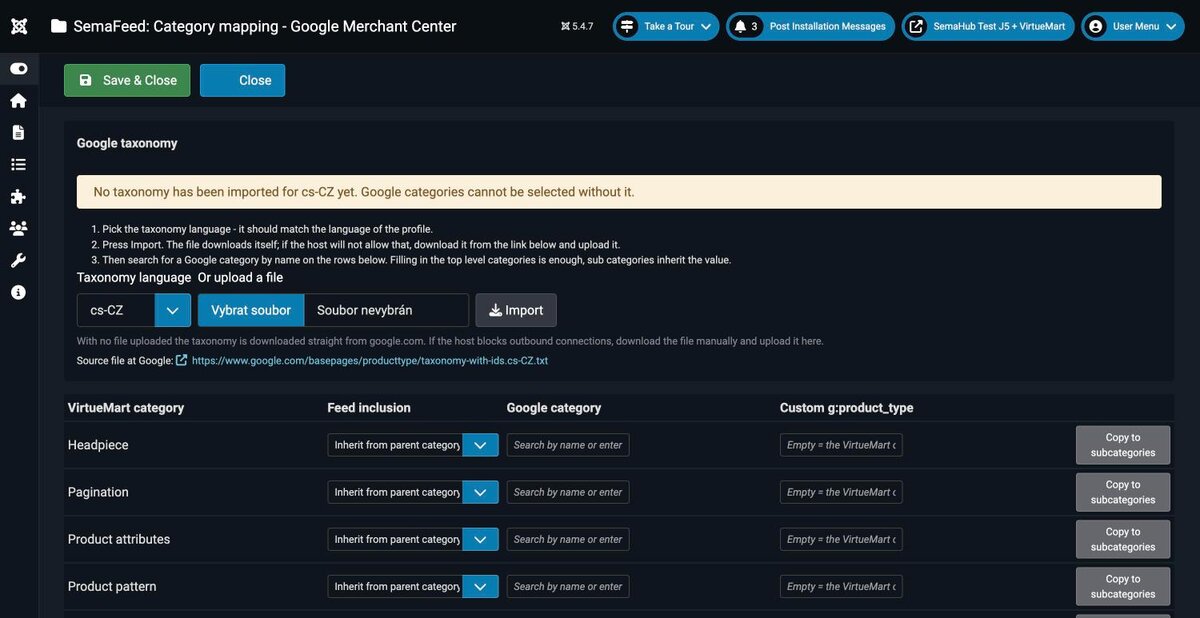
- Category mapping — VirtueMart categories onto the Google taxonomy, inherited by subcategories
- Taxonomy import — by download or by manual file upload
- Attribute mapping — colour, size, material, age group, custom labels
- Product selection — price range, category exclusion, in-stock only, products without a category
- Unit pricing — package volume or weight from a custom field or the product name, so Google can show a price per litre
Running and checking
- Several profiles side by side — a different range, currency or set of rules for each
- Scheduled generation — through the Joomla Task Scheduler, with nothing to trigger by hand
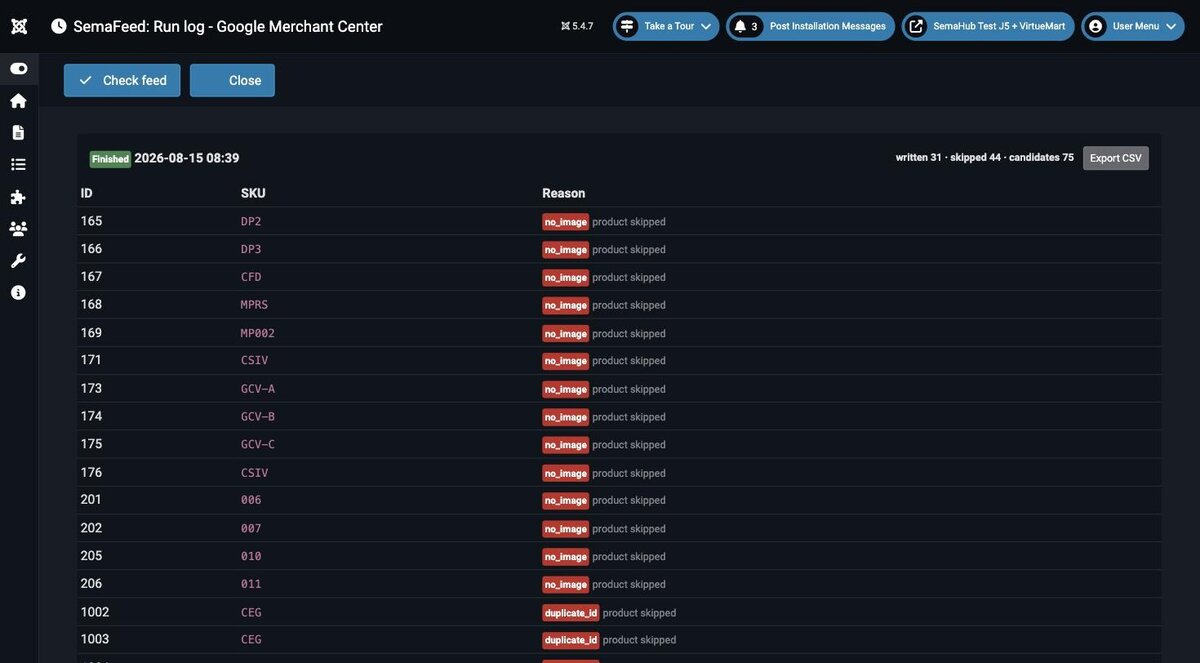
- A log of every run — the reason for each skipped product, exportable to CSV
- Generated feed check — missing attributes, duplicate IDs, malformed prices
- Optional gzip compression — and an unguessable feed URL
How It Works
Step by step
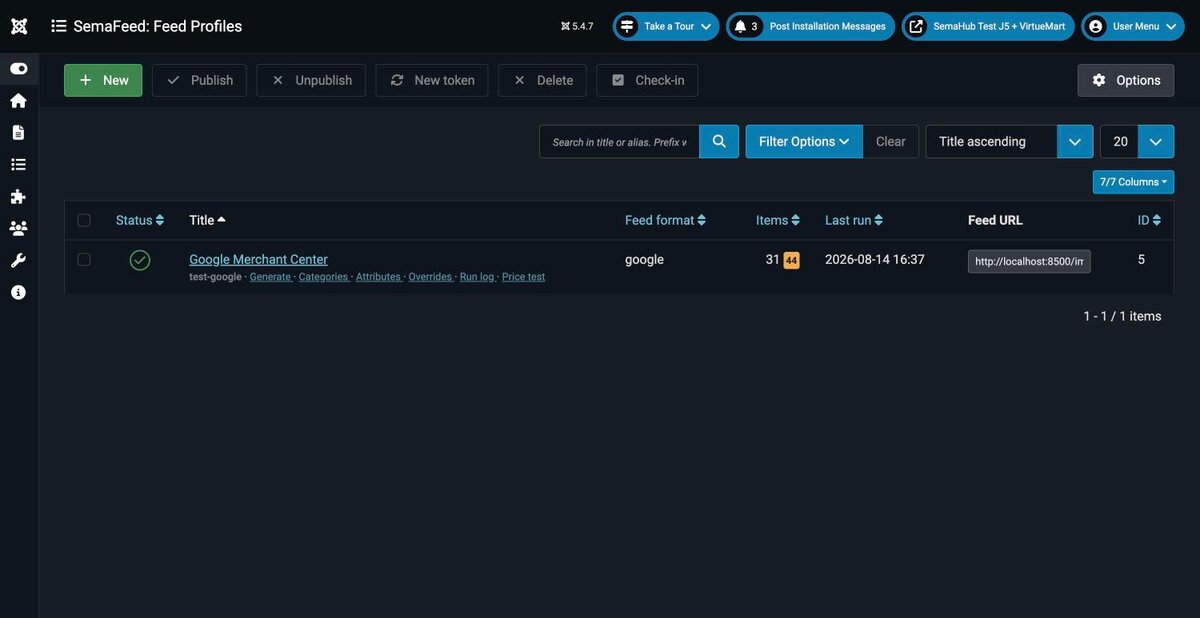
Create a feed profile
Pick the range, the currency and the rules. Several profiles can run side by side — one per market or campaign.
Map the categories
Assign your shop categories to the Google taxonomy. Subcategories inherit the mapping, so they need no separate setup.
The feed builds itself
On the Task Scheduler plan, into a temporary file. It moves to the public address only once it is complete.
For the shop operator
- You know what dropped out and why — The run log carries a reason for every skipped product and exports to CSV.
- Checked before it goes out — The finished feed is tested for missing attributes, duplicate IDs and malformed prices.
- Overrides without touching the catalogue — Replace a value on a single product, or keep that product out of the feed.
- A discount claim only where you may make one — The struck-through original price in Shopping can be switched off. The feed then publishes only the price the customer pays — useful where discount claims are regulated.
- A feed meant for Google only — The URL is unguessable and the output can optionally be sent gzipped.
Configuration
| Setting | Description |
|---|---|
| Feed profiles | Several side by side — different range, currency and rules |
| Category mapping | VirtueMart → Google taxonomy, inherited by subcategories |
| Google taxonomy | Import by download or manual file upload |
| Attribute mapping | Colour, size, material, age group, custom labels |
| Product selection | Price range, category exclusion, in-stock only, no category |
| Per-product overrides | Replace a value or keep the product out of the feed |
| Unit pricing | Package volume or weight from a custom field or the name |
| Sale price | The struck-through original price in Shopping can be turned off |
| Scheduling | Generation through the Joomla Task Scheduler |
| Output | Optional gzip compression, unguessable feed URL |
| Feed check | Missing attributes, duplicate IDs, malformed prices |
Technical Specifications
| Property | Value |
|---|---|
| Joomla | 4.4, 5.x |
| VirtueMart | 4.2 and newer |
| PHP | 8.1 – 8.4 |
| Database | MySQL 8 / MariaDB 10.6+ |
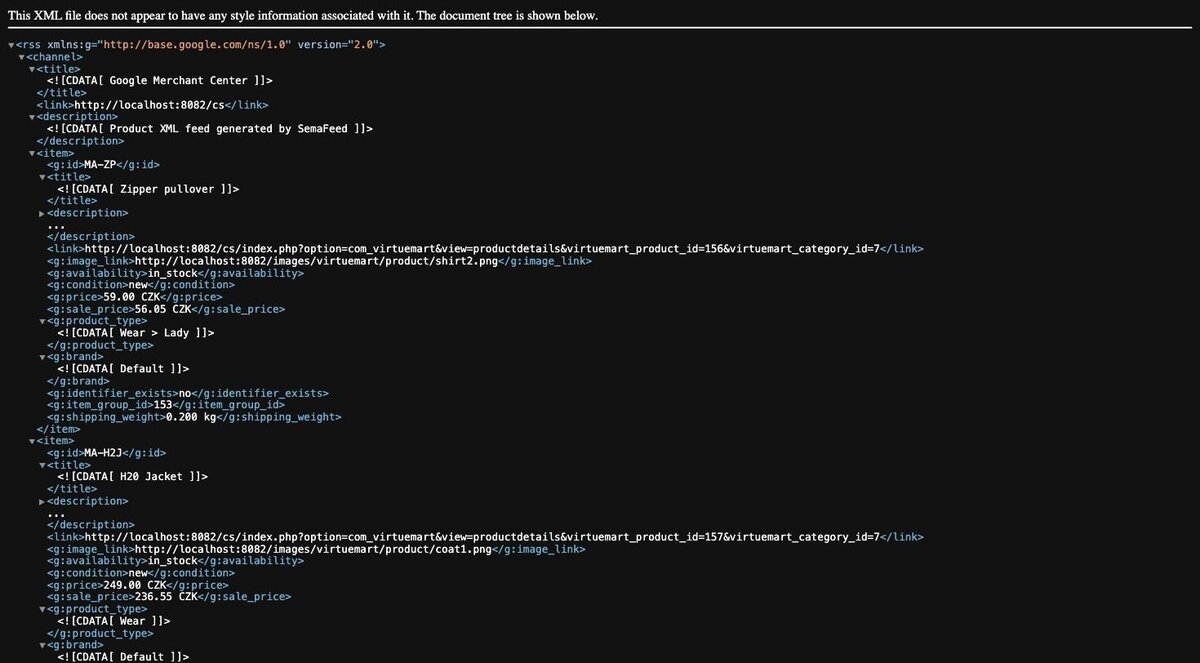
| Feed format | RSS 2.0 with the Google namespace |
| Localisation | Czech, English |
| Licence | GNU GPL v2 or later |
Frequently Asked Questions
Do I need a Google Merchant Center account?
Yes. SemaFeed builds and publishes the feed, and you then point Merchant Center at its address to fetch it.
Why are prices calculated through the VirtueMart API?
Because otherwise they do not match. A price is assembled from discounts, tax rules and shopper groups — through the native API it comes out exactly as in the basket, and a price mismatch is the most common reason an item gets disapproved.
Can shared hosting handle it?
Yes. Generation is chunked, so it runs into neither the time limit nor the memory limit.
What happens if generation fails halfway?
Nothing. The feed is built in a temporary file and moved to the published address only once complete — until then the previous valid version stays online.
How do variants end up in the feed?
Colours and sizes are sent as separate items tied together by g:item_group_id. Images and categories are inherited from the parent.
Can I run more than one feed?
Yes. Several profiles can run side by side — each with its own range, currency and rules.
How do I find out why a product is missing?
From the run log. Every skipped product carries its reason, and the whole log exports to CSV.
Can I keep one specific product out?
Yes, through per-product overrides. The same mechanism also replaces a single value without touching the catalogue.
What is unit pricing for?
It is the package volume or weight, taken from a custom field or from the product name. Google can then also show a price per litre. A coverage preview tells you how many products it could be determined for before you publish.
Is the feed URL public?
The feed has to be reachable for Google to fetch it, but its address is unguessable. The output can additionally be sent gzip-compressed.
Does the feed have to show a struck-through original price?
No. The Publish sale price option is on by default — a product whose final price is below its base price is published as g:price plus g:sale_price, so Shopping shows the original price struck through. Turn it off where claiming a discount is regulated; the feed then publishes only the price the customer pays.
How it looks in practice