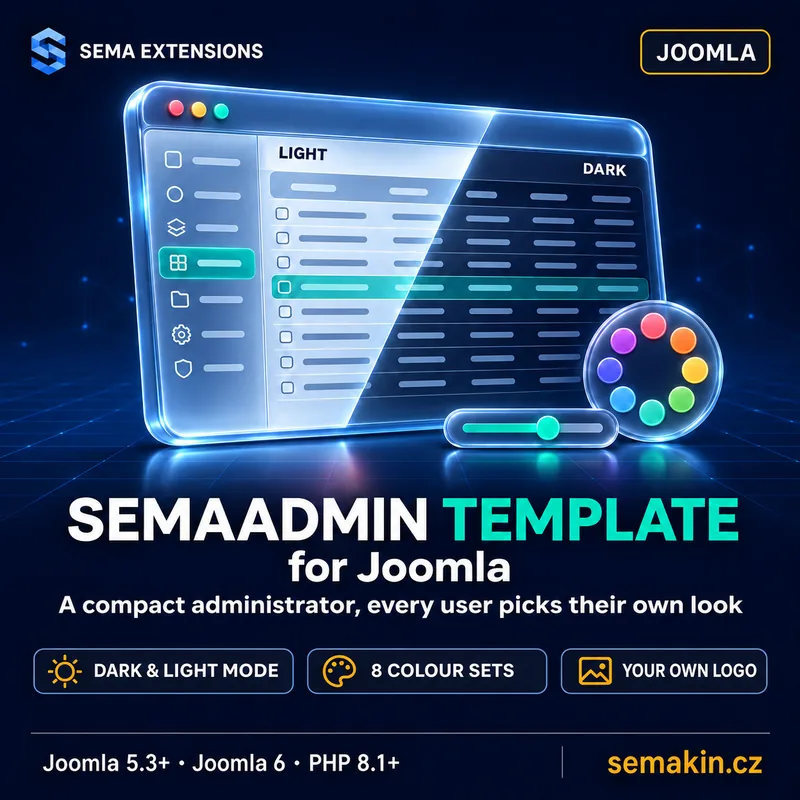
Why you need it
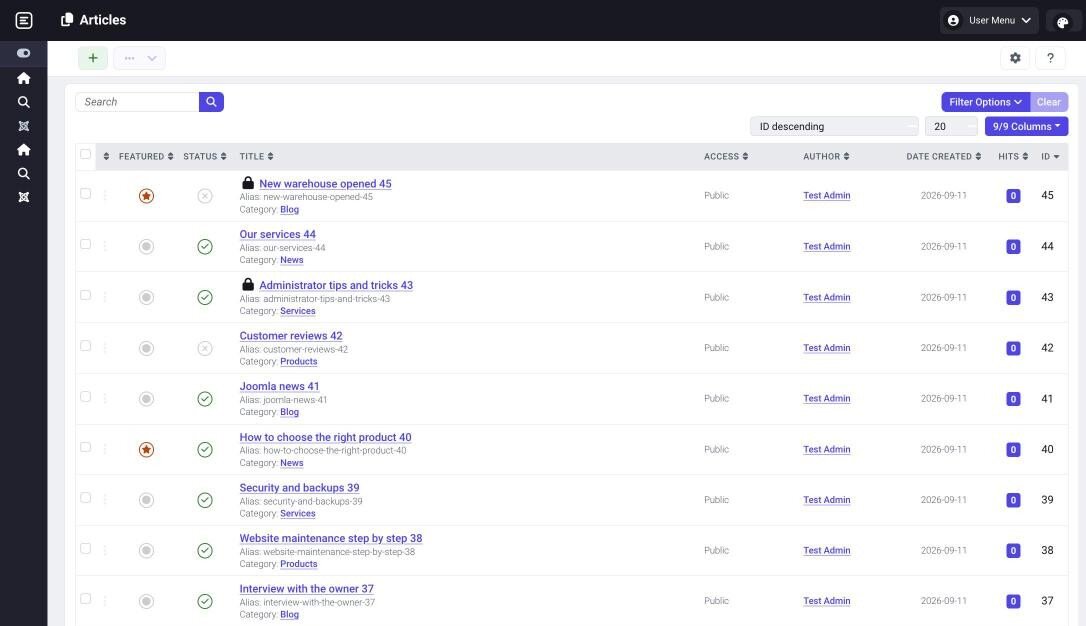
SemaAdmin Template for Joomla is an administrator template for people who spend a lot of time in the Joomla administrator. It is based on the default Atum template, so everything is where you expect it, only more fits on the screen.
Atum is designed for large type and generous spacing. On a laptop you see only a few rows of articles, users or orders, toolbar buttons wrap and every form field carries a description nobody reads after the first week.
What slows you down in Atum
- Few table rows on the screen, a lot of scrolling
- A wide sidebar that takes space from the content
- Field descriptions that make every form longer
- One look for everybody, even for those who find the text small
What stays the same
- The layout and menu of Atum, nothing to learn again
- The same module positions, extensions work as before
- No changes to Joomla files
- Atum stays installed, you switch back with one click
What SemaAdmin Template for Joomla does
The package contains the administrator template and a system plugin that stores each user's appearance choice. Nothing is built on the server, it installs like any other extension.
More content on the screen
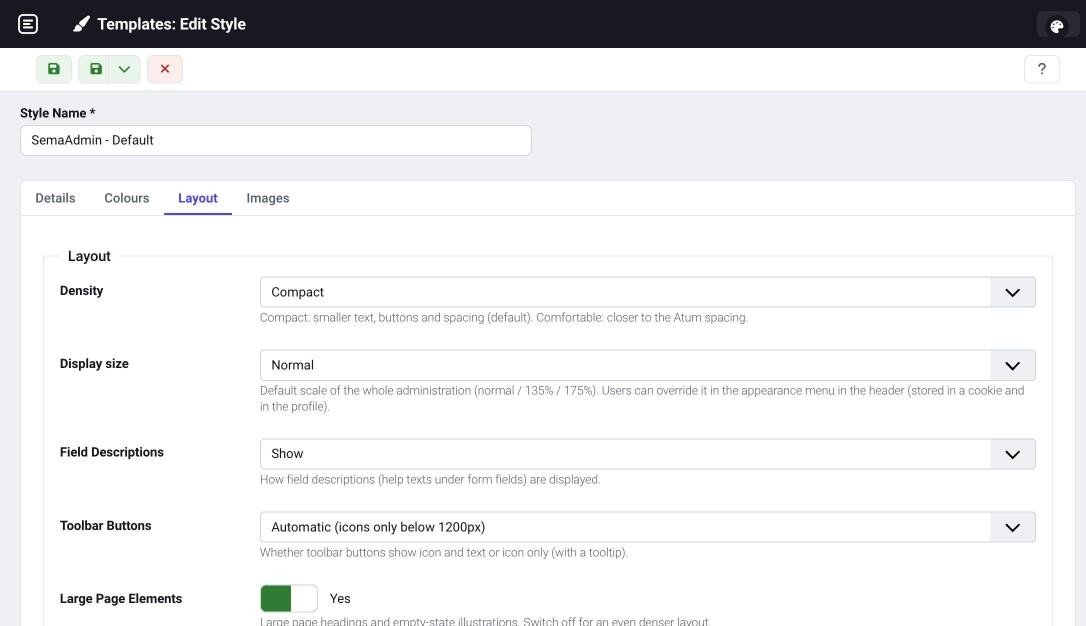
- Compact density — smaller type and buttons, lower table rows, a narrower sidebar; the comfortable density is closer to Atum
- Field descriptions as needed — show, hide or reveal on hovering the (i) icon; screen readers still read them
- Toolbar buttons that do not wrap — on smaller screens icons only, with the label on hover
- Smaller titles and illustrations — optional, so the content starts higher
An appearance for every user
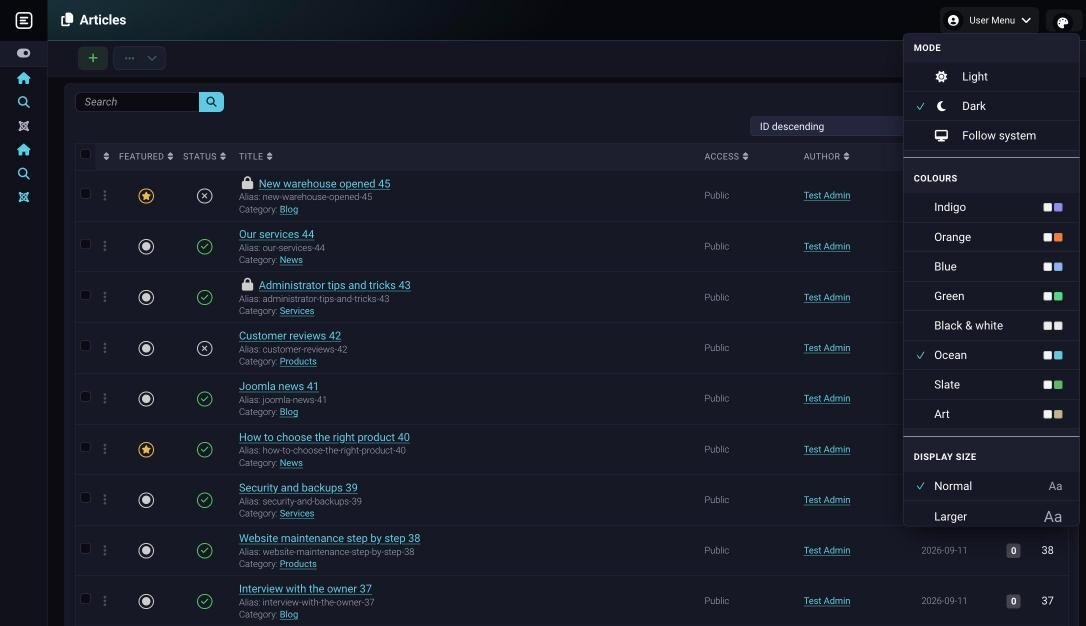
- Appearance menu in the header — everyone picks the mode, colours and display size, the choice is stored in their profile
- Light, dark or follow the system — the dark mode is tinted by the chosen colours, not just black
- 8 colour sets — indigo, orange, blue, green, monochrome, ocean, slate and art; we measured text contrast in every set and both modes
- Display size — normal, larger (135 %) and largest (175 %) scale the whole administrator, not just the text
Login and your brand
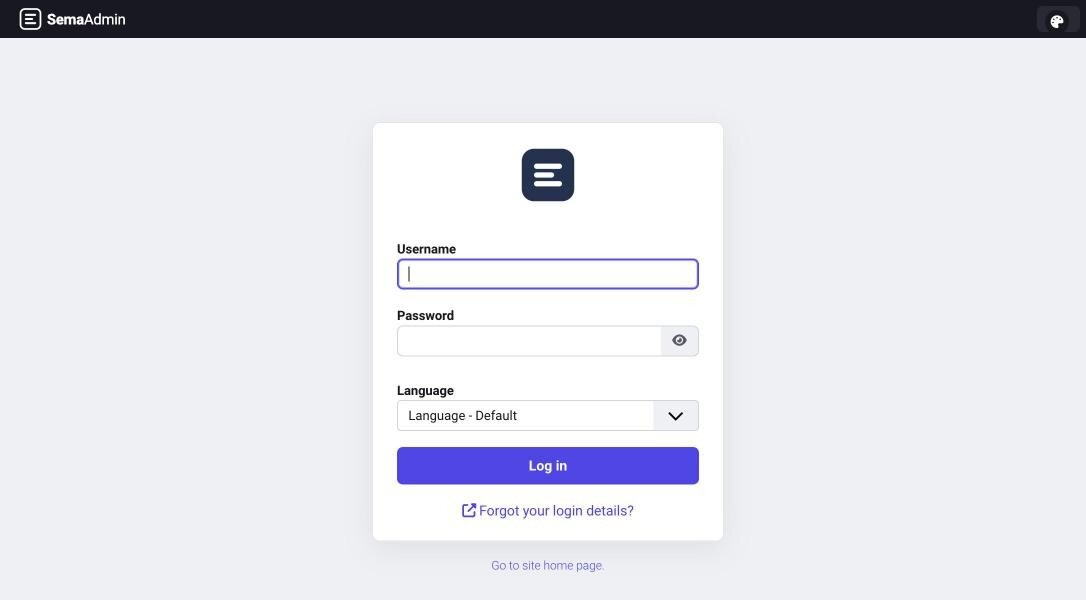
- A new login page — a compact card in the centre without a large background image, with optional sidebar modules next to the form
- Your own logo — on the login page, in the header and a small logo for the collapsed menu; without your own logo the SemaAdmin logo is shown
How it works
Step by step
Install the package
One ZIP through Install Extensions. The plugin that stores the appearance enables itself.
Make it the default
In Administrator Templates on the SemaAdmin style. That is also where you set the default colours, mode and density for everybody.
Users adjust it
In the Appearance menu in the header. If you do not want them to change it, turn the menu off in the template settings.
For site administrators
- Built on Atum from Joomla 6 — The same page structure, module positions and accessibility, only different sizes and colours.
- No core changes — Everything lives in the template and plugin folders, a Joomla update does not overwrite it.
- Your own tweaks in
user.css— Loaded last, as in Atum; colours and sizes are CSS variables. - Updates from the administrator — Once you enter the download key, Joomla offers new versions by itself.
What you can configure
| Setting | Description |
|---|---|
| Colours | Colour set, sidebar and header tint, mode, monochrome display |
| Appearance menu | Allow or disallow users to choose |
| Density | Compact or comfortable |
| Display size | Normal, larger or largest |
| Field descriptions | Show, hide or on hovering (i) |
| Toolbar buttons | Automatic, icon and text or icons only |
| Logos | Login, header and small logo |
Technical details
| Property | Value |
|---|---|
| Joomla | 5.3 and newer, 6 (verified on 5.4 and 6.1) |
| PHP | 8.1 and newer (verified on 8.1, 8.2, 8.3, 8.5) |
| Based on | the Atum template from Joomla 6.1 |
| Administrator mode | light, dark or follow the system |
| Components | administrator template, system plugin |
| Languages | Czech, English |
| Licence | GNU GPL v2 or later |
Frequently asked questions
Is SemaAdmin really free?
Yes. After you register and sign in you get a licence for good, all updates included. Support is by e-mail.
Does it replace Atum?
Only as the default administrator template. Atum stays installed and you can set it back in Administrator Templates at any time.
Will other extensions work with it?
Yes, module positions and page structure are the same as in Atum. Extensions with their own administrator look keep it.
I run a VirtueMart shop. Is this enough?
VirtueMart has its own look in the administrator and SemaAdmin Template for Joomla does not change it. For a shop there is SemaAdmin for VirtueMart, which contains this template and draws VirtueMart in the same look.
I have SemaAdmin for VirtueMart. Do I need this too?
No, the template is already in your package. Installing SemaAdmin Template for Joomla stops on such a site so that it does not take the template from the package.
Can every user have a different look?
Yes. The administrator sets the default in the template, users change it in the Appearance menu and the choice follows them to all their devices.
Does it work on Joomla 4?
No. The template is based on Atum from Joomla 6 and supports Joomla 5.3 and newer.
How it works in practice